
What it does
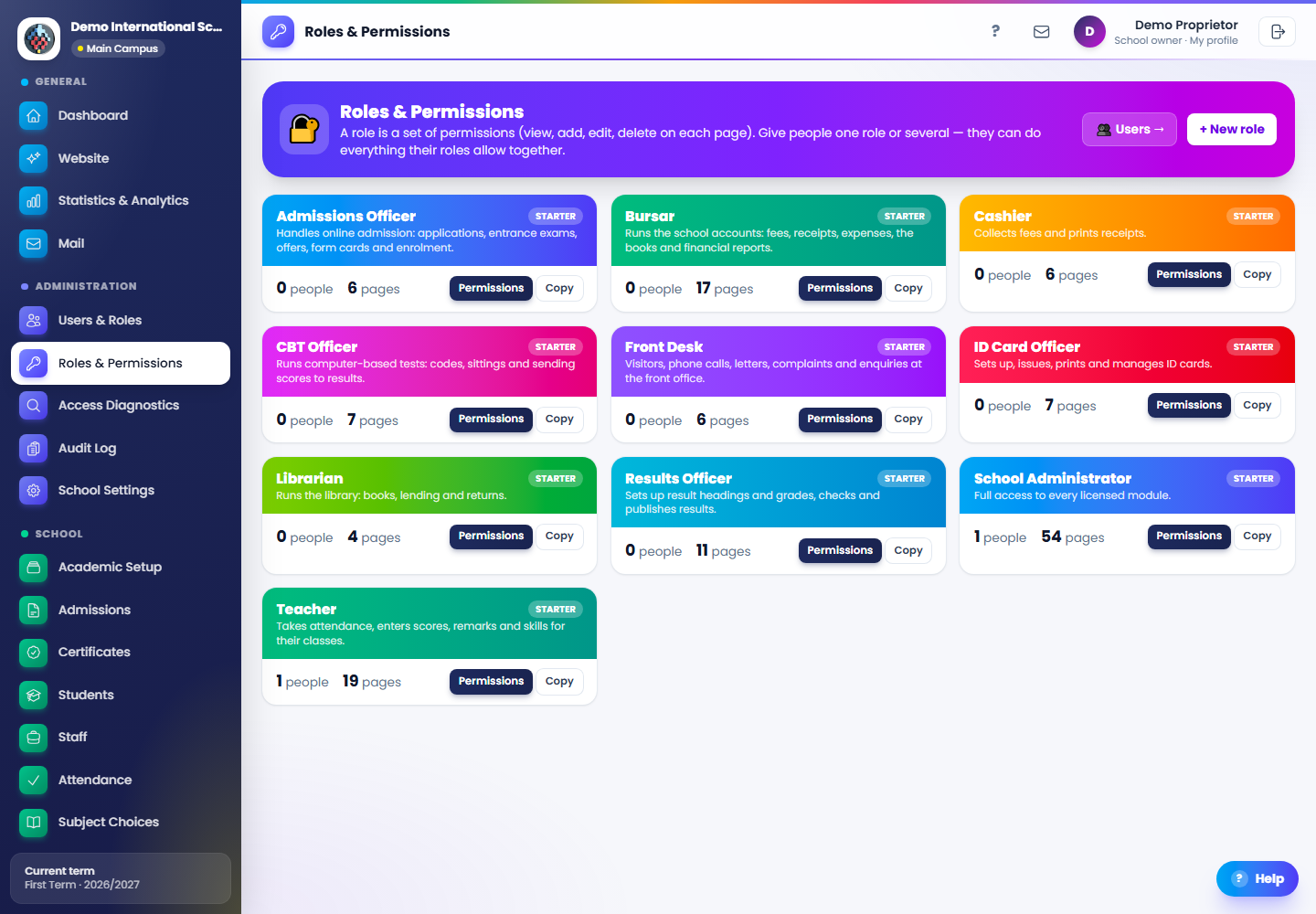
1Ready-made roles, including Teacher and Gate Officer
2Teachers kept to their own classes and subjects
3Create your own roles
4Several roles per person
5Audit log of every change
Part of one system
Roles & permissions shares its records with every other part of SkulPort, so nothing is typed twice. Students, staff, classes, results, fees and messages all stay in step, and every school has its own database, backed up every night.