
From score sheet to printed report cards in one afternoon
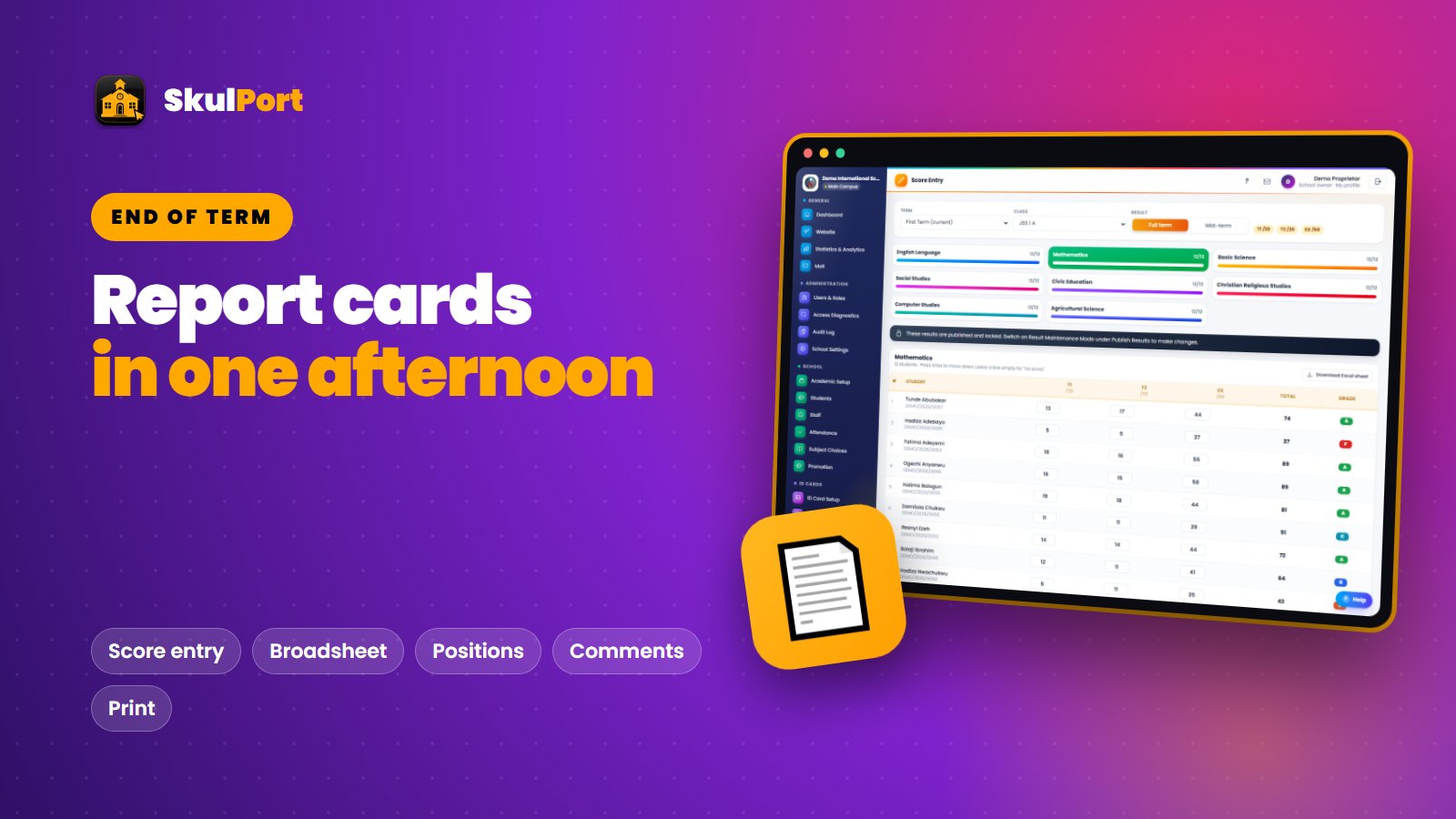
In many schools, the last two weeks of term are the hardest. Teachers add up scores by hand, the form teacher calculates positions, someone types comments, and the broadsheet is copied and recopied. One wrong figure means starting again.
It does not have to be like that. Here is the routine SkulPort schools follow.
Before term starts: set it up once
Tell SkulPort how your results work, once:
- Headings: CA 1, CA 2 and Exam, or any headings and marks you use.
- Grades: your own grade scale for each class, with automatic comments for each grade.
- Skills: affective and psychomotor skills, which print in their own table beside the scores.
- Layout: pick one of four report card styles, your colours and title, and switch sections on or off.
Different classes can have different settings. Nursery can use observation reports with teacher statements rated A to E, while secondary uses scores and positions.
During term: teachers enter scores as they go
Each subject teacher types scores for their own class, or downloads the Excel template, fills it and uploads it. Totals, grades and positions appear as they type. Scores from CBT tests come in automatically. Form teachers add attendance and remarks, and attendance prints on the report card by itself.
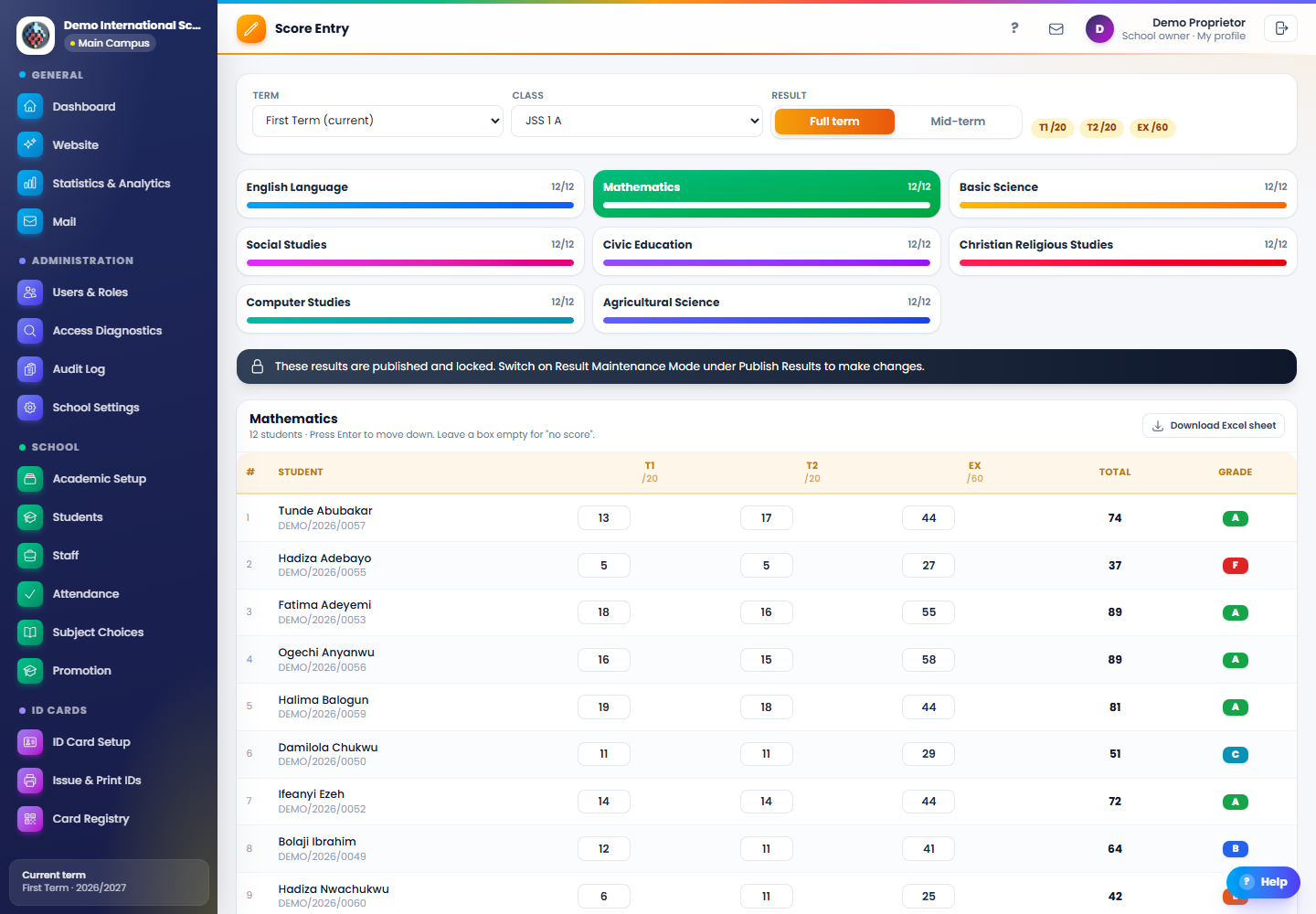 Score entry: each teacher sees only their own classes and subjects.
The afternoon: check, publish, print
1. Check the broadsheet. Every score of every subject for a class, on one sheet, with averages, grades and positions. Headings stand upright so many subjects fit. Download it to Excel or print it for the principal to sign off.
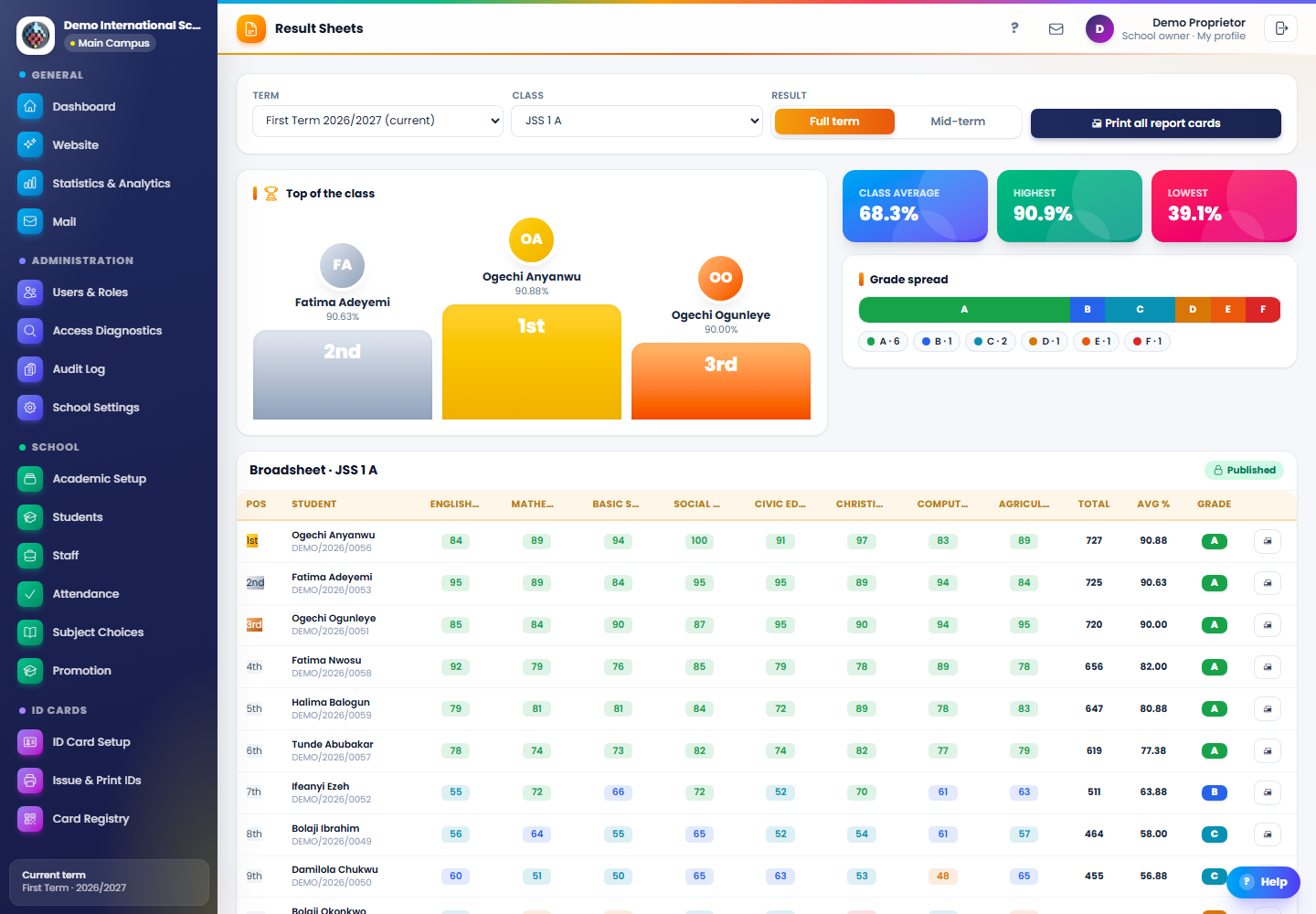 The broadsheet: one sheet for the whole class, ready for Excel or printing.
2. Publish. When the principal is happy, publish the class. Its results are then locked, and parents can check them with the student's PIN. You can publish class by class, and publish mid-term results separately.
3. Print. Print the report cards for a whole class in one go, with the head teacher's and director's signatures. Third-term reports show each student's promotion status, filled in from your promotion rules.
What if there is a mistake?
Switch on maintenance mode. Parents cannot check results while you correct the score; then switch it off and checking reopens. The published result stays locked the rest of the time.
After results: learn from them
Result analysis shows subject performance and pass rates, grade distribution, class ranking, students at risk and the most improved, boys against girls, and how arms and subject teachers compare. It turns report card season into a planning meeting.
Want to see it? The live demo has JSS 1 A report cards and a Pre-Nursery observation report ready to print.
▶ See report cards in the live demo · Report card features · Call or WhatsApp 0803 292 9756
See SkulPort in action
A full demo school, open now. No sign-up.