
How to run CBT in your school, even when the light goes off
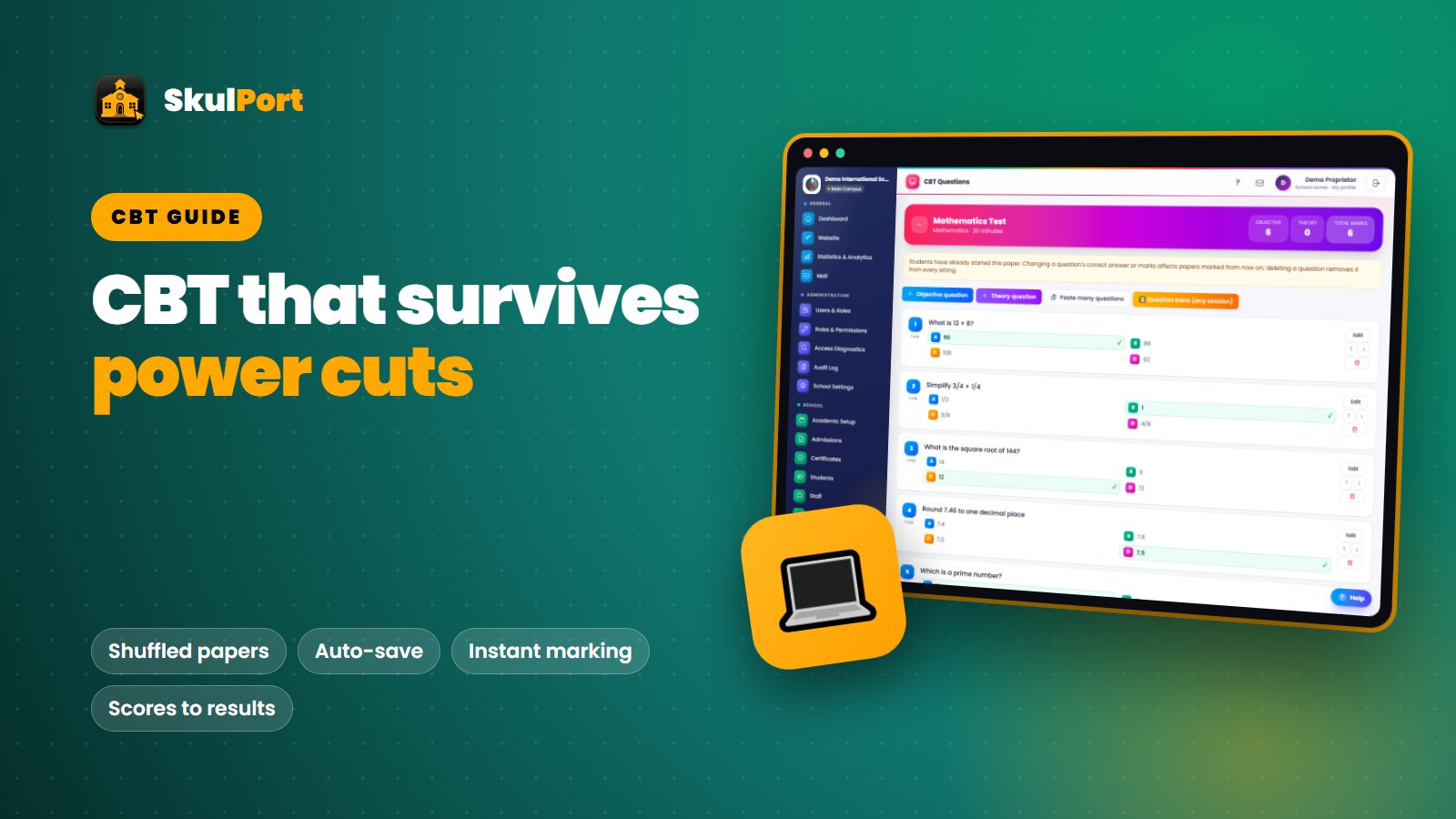
Your SS 3 students will sit JAMB on a computer. The sooner they practise, the calmer they will be on the day. Teachers also like CBT: objective questions mark themselves, and the scores are ready the moment the paper ends.
But many schools hesitate. What if the light goes off halfway? What if students copy each other? What if the answers are lost? Here is how to do it well.
Step 1: Build a question bank once, use it for years
Do not type a new paper every term. Put your questions in a Question Bank, arranged by class, subject and topic. In SkulPort a teacher can paste many questions at once, add pictures and diagrams, and reuse any question on any paper. Every branch of the school shares the same bank.
For comprehension passages, maps or science diagrams, use grouped questions: one passage or diagram with several questions under it. SkulPort keeps the group together even when the paper is shuffled, and the group's first question always comes first.
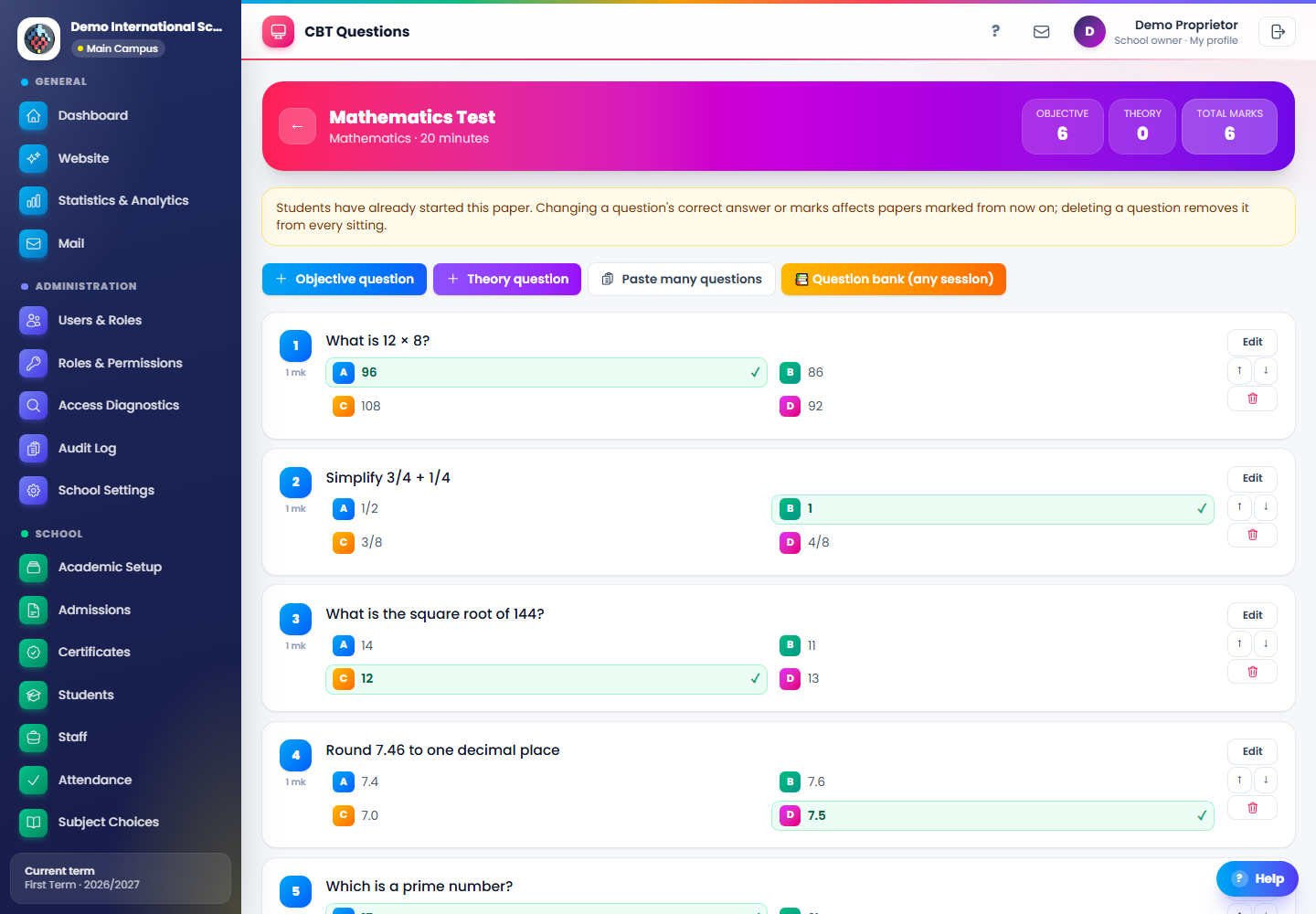 Writing questions: paste many at once, add diagrams, and group questions that share a passage.
Step 2: Shuffle, so copying does not work
When students sit side by side, the easiest cheat is to look at the next screen. SkulPort shuffles the questions and the options for every student, so the student beside you has question 1 as your question 17, with the options in a different order.
Step 3: Make power cuts a non-event
This is the part that worries schools most. SkulPort saves each answer as the student works. If the light goes off or a computer freezes, the answers already given are not lost: when power is back, the student signs in again and carries on.
For exam rooms, the CBT kiosk app locks the computer to the exam, so students cannot open other programs or the internet during the test. SkulPort can run on your school network, so the test does not depend on internet data either.
Step 4: Control who sits the paper
Give each student a one-time access code, printed on a slip (A4 or thermal paper), or let them sign in with their admission number and PIN. Codes are cleared automatically once the paper is finished or the exam has ended, so an old code cannot be reused.
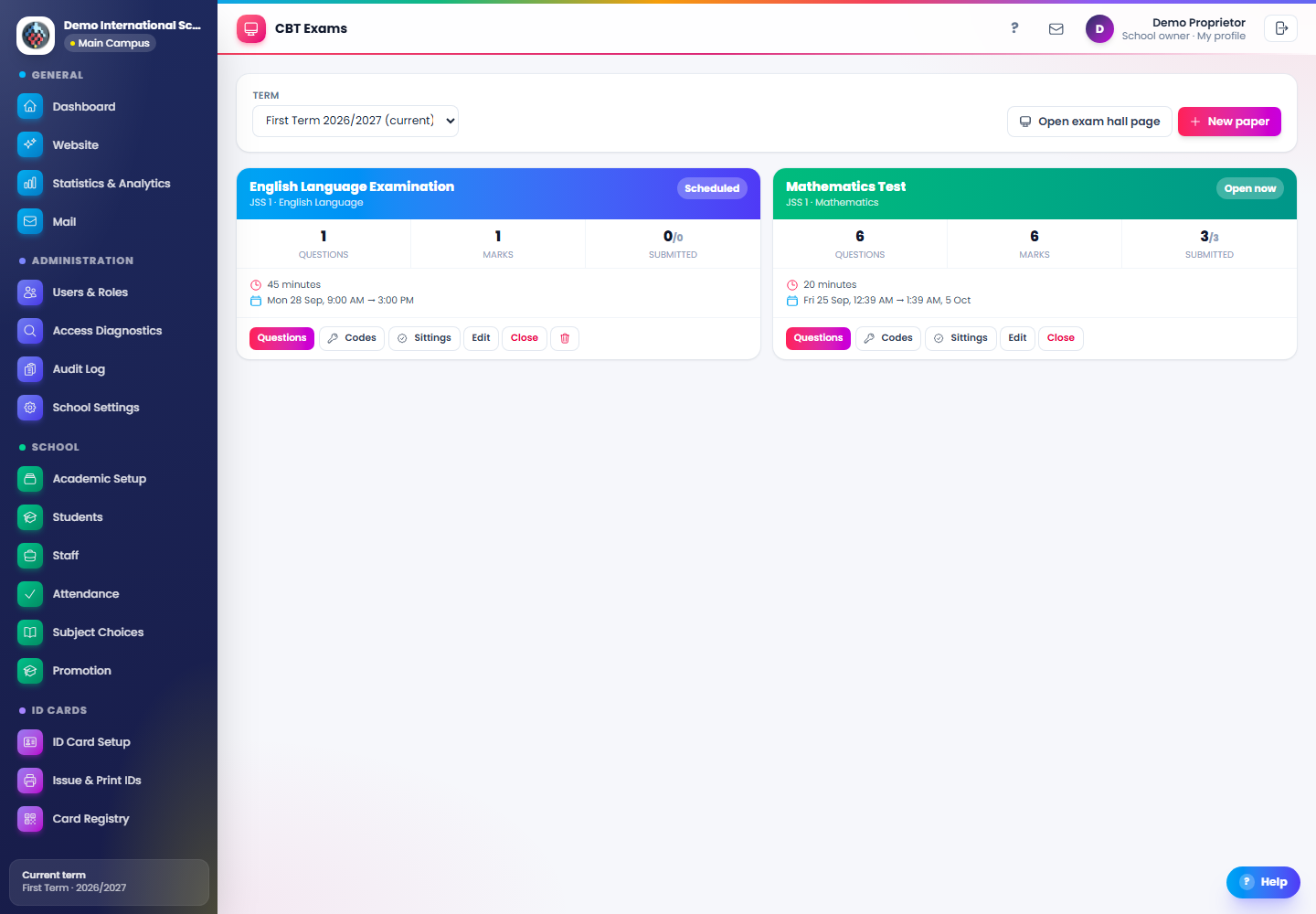 Setting a paper: choose the class, time allowed and how many questions each student gets.
Step 5: Let the scores flow into results
When time is up, objective questions are marked at once. In SkulPort the scores go straight into the result sheet for that subject, under the heading you choose (for example CA 2), so no one types them again. Teachers still mark written answers themselves on the marking screen.
Beyond class tests
Once CBT works for class tests, use it for more:
- Entrance exams: admission applicants sit the test, and each score goes back to their application, ranked for shortlisting.
- Recruitment tests: test teaching applicants and sort them by score before the interview.
- Mock exams for JSS 3 and SSS 3, checked with the same PIN as other results.
Start small
You do not need a big computer lab on day one. Start with one class and one subject, learn the routine, then grow. Try it now in the live demo: there is a JSS 1 entrance paper you can sit yourself.
▶ Try CBT in the live demo · Read about SkulPort CBT · Call or WhatsApp 0803 292 9756
See SkulPort in action
A full demo school, open now. No sign-up.