
SkulPort vs other school software: 12 questions to ask before you pay
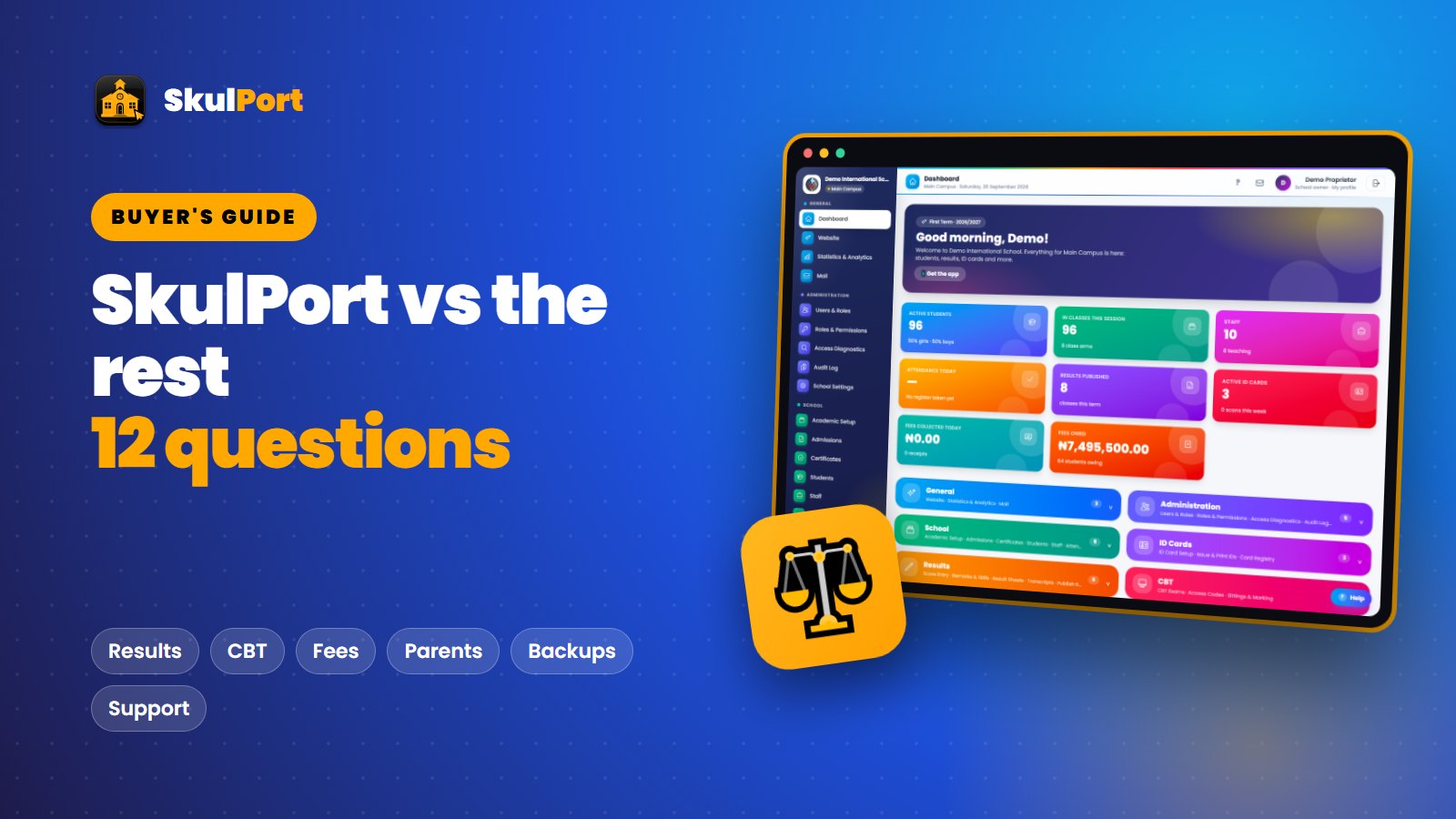
Choosing school software is a big decision. You will live with it for years, your teachers will use it every day, and parents will judge the school by it. Yet most schools choose from a brochure and a ten-minute demo.
Here are the 12 questions we would ask if we were buying. Put them to every vendor, including us. Next to each one is SkulPort's honest answer.
The quick comparison
| Ask the vendor | Why it matters | SkulPort's answer |
|---|---|---|
| 1. Do parents still need scratch cards? | Cards mean queues, lost PINs and cash you cannot trace | No. Each student has one permanent PIN |
| 2. Can I design my own report card? | Every school's report is different | Yes: four styles, your headings, per class |
| 3. Does the CBT survive a power cut? | NEPA does not wait for exams to end | Yes: answers save as the student works |
| 4. Do CBT scores go straight into results? | Typing scores twice causes mistakes | Yes, automatically |
| 5. Is there real accounting, not just fee collection? | Owners need to see profit, not only receipts | Yes: double-entry books, payroll, budgets |
| 6. Can parents see all their children in one place? | Families often have three or four children in one school | Yes: one phone number, every child |
| 7. Can I correct a result after publishing? | Mistakes happen | Yes: maintenance mode pauses checking while you fix it |
| 8. Is my school's data kept apart from other schools'? | Your records are private | Yes: every school has its own database |
| 9. Are backups tested? | A backup that was never restored may not work | Yes: every night's backup is test-restored |
| 10. Can one login run several campuses? | Growing schools open branches | Yes: branch switcher, one login |
| 11. Can it run on my own server? | Some schools want their data on site | Yes: cloud or your own server with a product key |
| 12. Who helps when something goes wrong? | Software is only as good as its support | Help & Support inside SkulPort, plus phone and WhatsApp |
1. Results without scratch cards
Ask how parents check results. If the answer involves buying a card, the school keeps the queues and the cash problems. In SkulPort, every student has an admission number and a permanent PIN, which can be printed on the ID card. Parents check from any phone, and students see every released result on their own dashboard.
2. A report card that looks like your school
Many portals give every school the same report card. SkulPort lets you choose from four styles, use your own headings (CA 1, CA 2, Exam or anything you like), grade scales, comments and skills, and use a different layout for each class. Nursery can have an observation report ("Able to count 1–400") while secondary gets scores and positions.
3 and 4. CBT that is safe and connected
A CBT that loses answers when the light goes off is worse than paper. SkulPort saves each answer as the student works, shuffles questions and options for every student, and keeps grouped questions (a passage or diagram with questions 6–10) together. When the paper ends, scores go straight into the result sheet. The same CBT runs entrance exams for admission and recruitment tests for new staff.
5. Money you can actually see
Collecting fees is not the same as knowing your finances. SkulPort includes fee structures per class, receipts, online payment, debtors, expenses, real double-entry books, budgets, imprest, requisitions and payroll with payslips. The owner sees income and expenses without waiting for the end-of-term report.
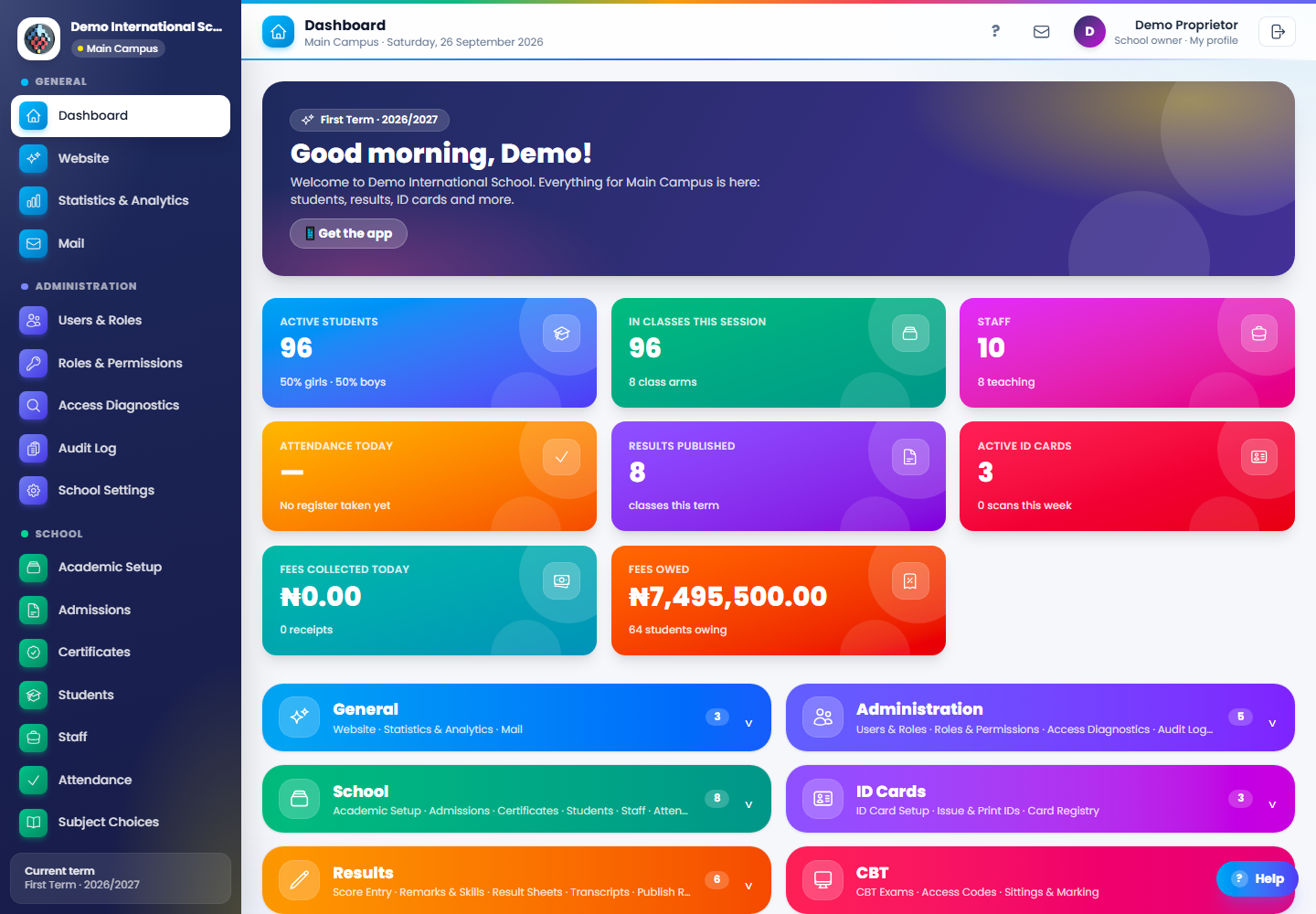 The school dashboard: the whole school at a glance when you sign in.
6. Parents who feel included
Ask what a parent sees after signing in. In SkulPort the parents' portal shows every child of the family: results, fees and receipts, attendance, homework and notices. Parents can write to the class teacher, and action-required notices keep popping up until the parent confirms them.
7. Room for honest mistakes
Once results are published they are locked, so nobody changes them quietly. When a correction is needed, maintenance mode pauses public checking, you fix the score, and checking reopens. Switching it on or off is recorded in the audit log.
8 and 9. Privacy and tested backups
Ask where your data lives and what happens if a server fails. In SkulPort each school has its own database, backed up every night, and every backup is restored into a test copy and checked table by table. Many systems keep backups; few check that they can be restored.
10 and 11. Room to grow
If you plan a second campus, check that the software handles branches. SkulPort runs several campuses from one login, each with its own data, and compares them side by side. If you would rather keep everything on your own premises, SkulPort also installs on your own server and activates with a product key.
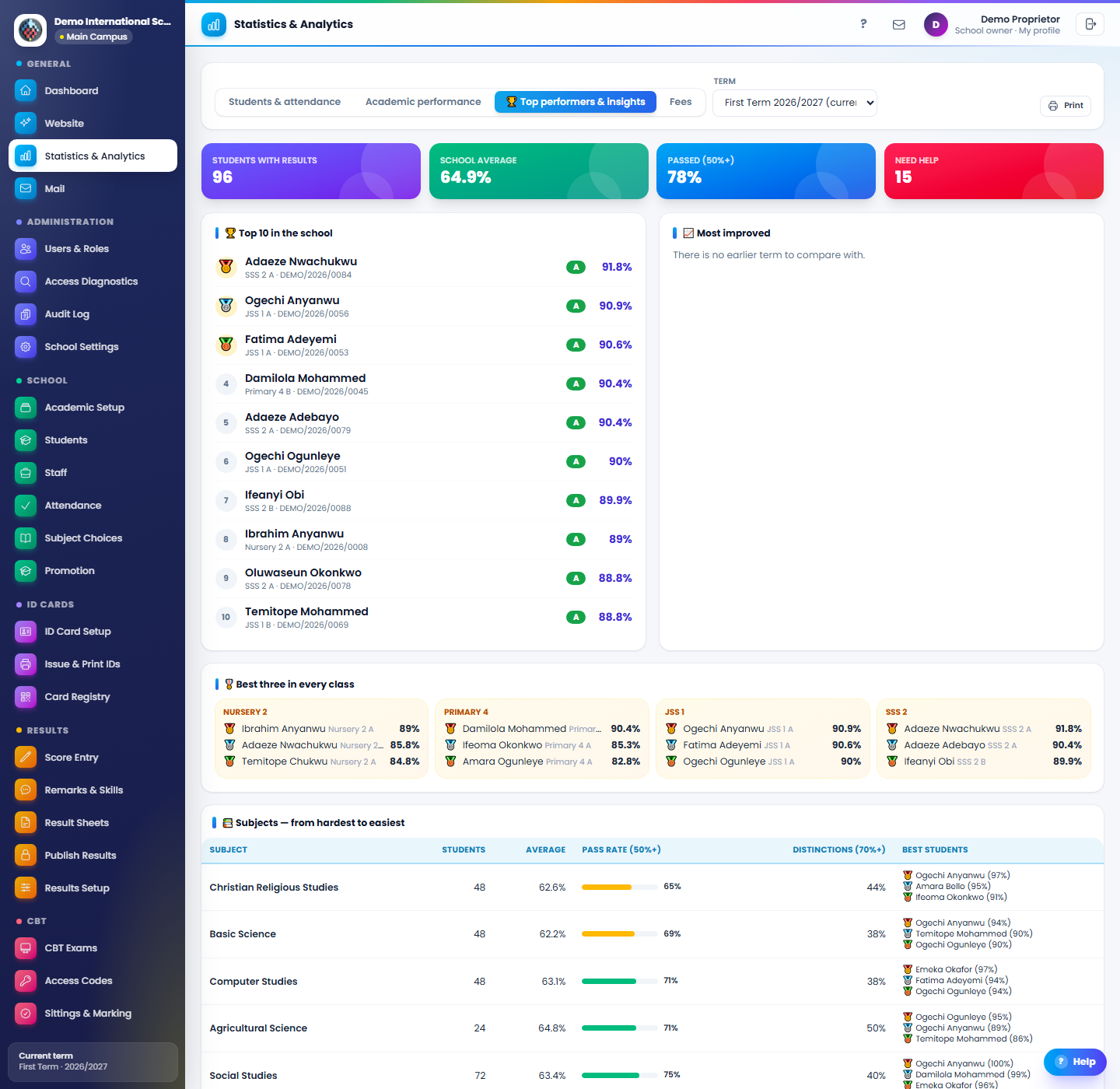 Result analysis: see which subjects, classes and teachers need attention.
12. Support you can reach
Every SkulPort school has Help & Support inside the app. Staff describe the problem, attach a screenshot, and follow the reply on the same page. Urgent issues are answered within hours. You can also call or WhatsApp us.
The best test: try it yourself
Brochures all look alike. Open the live demo, sign in as the principal, a teacher, a parent and a student, and try the things that matter to you. Then ask the other vendors to show you the same.
▶ Open the live demo · See all features · Start a free trial · Call or WhatsApp 0803 292 9756 or 0916 805 1997
See SkulPort in action
A full demo school, open now. No sign-up.