
More than a picture: what a modern school ID card should do
For most schools, the ID card is a laminated picture with a name and a class. It is made once a year, often late, and nobody can tell a real card from a copy.
A modern card can work much harder than that.
1. Anyone can check it is genuine
Every SkulPort card carries a QR code. Scan it with any phone and it opens a check page that shows whether the card is valid, live, straight from the school's records. Gatemen, bus drivers and exam invigilators can confirm a student or staff member in seconds.
2. A lost card can be switched off
When a card is lost, revoke it. The QR code then shows the card as no longer valid, even though the plastic is still out there. Print a replacement, and only the new card checks out.
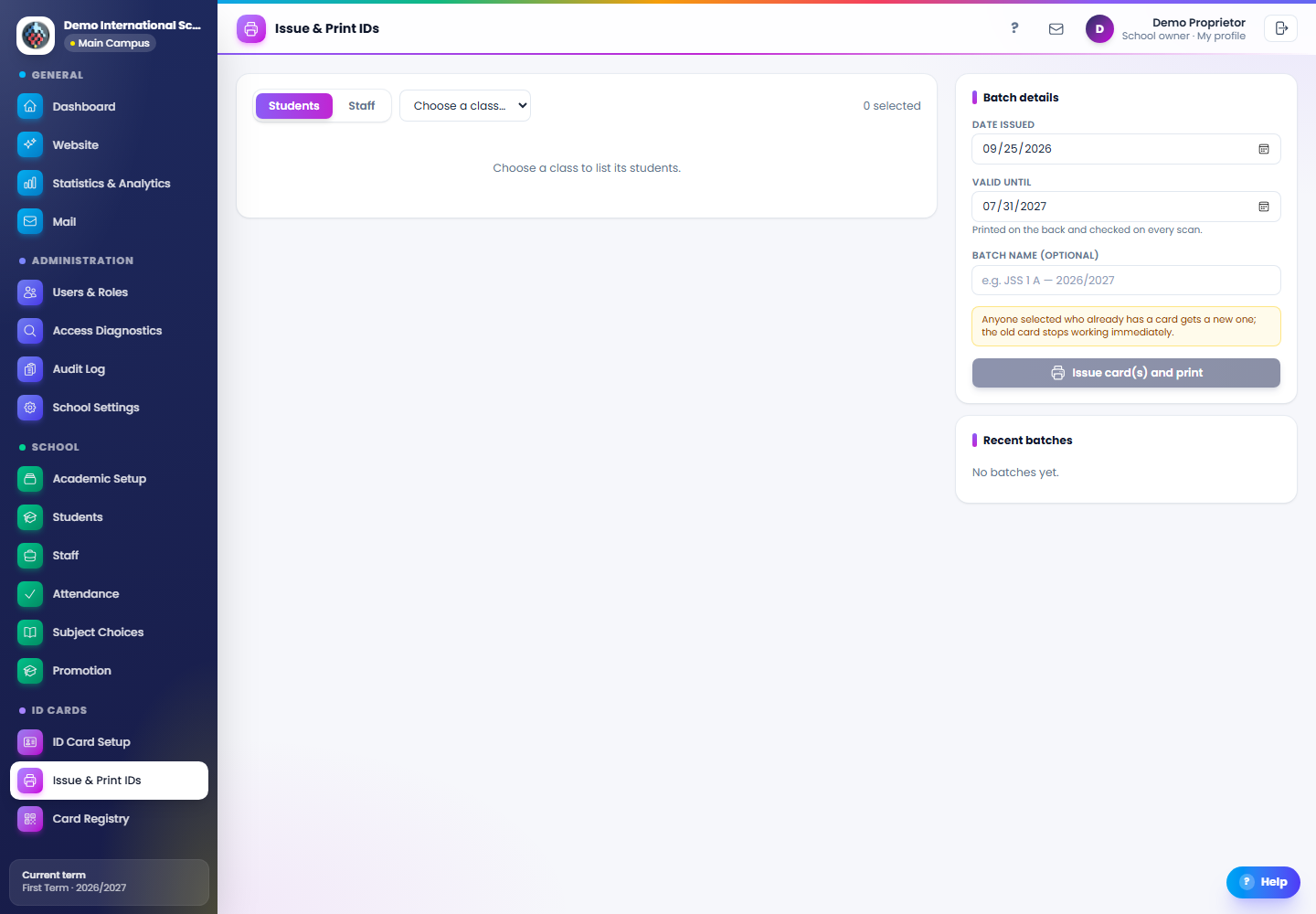 Issue & print: choose students or staff, pick the design and print in batches.
3. It carries the result PIN
In SkulPort each student has one permanent PIN for checking results, and it can be printed on the ID card. Parents then have it whenever they need it, with no scratch cards to buy and no PIN to look for each term.
4. It opens CBT and the student dashboard
With the admission number and PIN from the card, a student signs in to their dashboard (results, fees, timetable, homework) or to a CBT paper. One card, one set of details, used everywhere.
5. It looks like your school
Choose from 100 card designs, upright or landscape, use your school's colours and logo, and print student and staff cards from the same records. Want the name a little bigger or the logo on the left? Click that part of the card and move, resize, recolour it or change its font, and put it back to the original design with one click if you change your mind. The photos come from the student's record, so there is no separate photo session for the card.
Most schools print the back in black and white to save ink, and SkulPort does that by default (you can switch to colour).
6. The whole school in a day
Because the details and photos are already in SkulPort, printing is a batch job: select a class (or the whole school), preview, and print. The card registry shows which cards have been issued, reprinted or revoked.
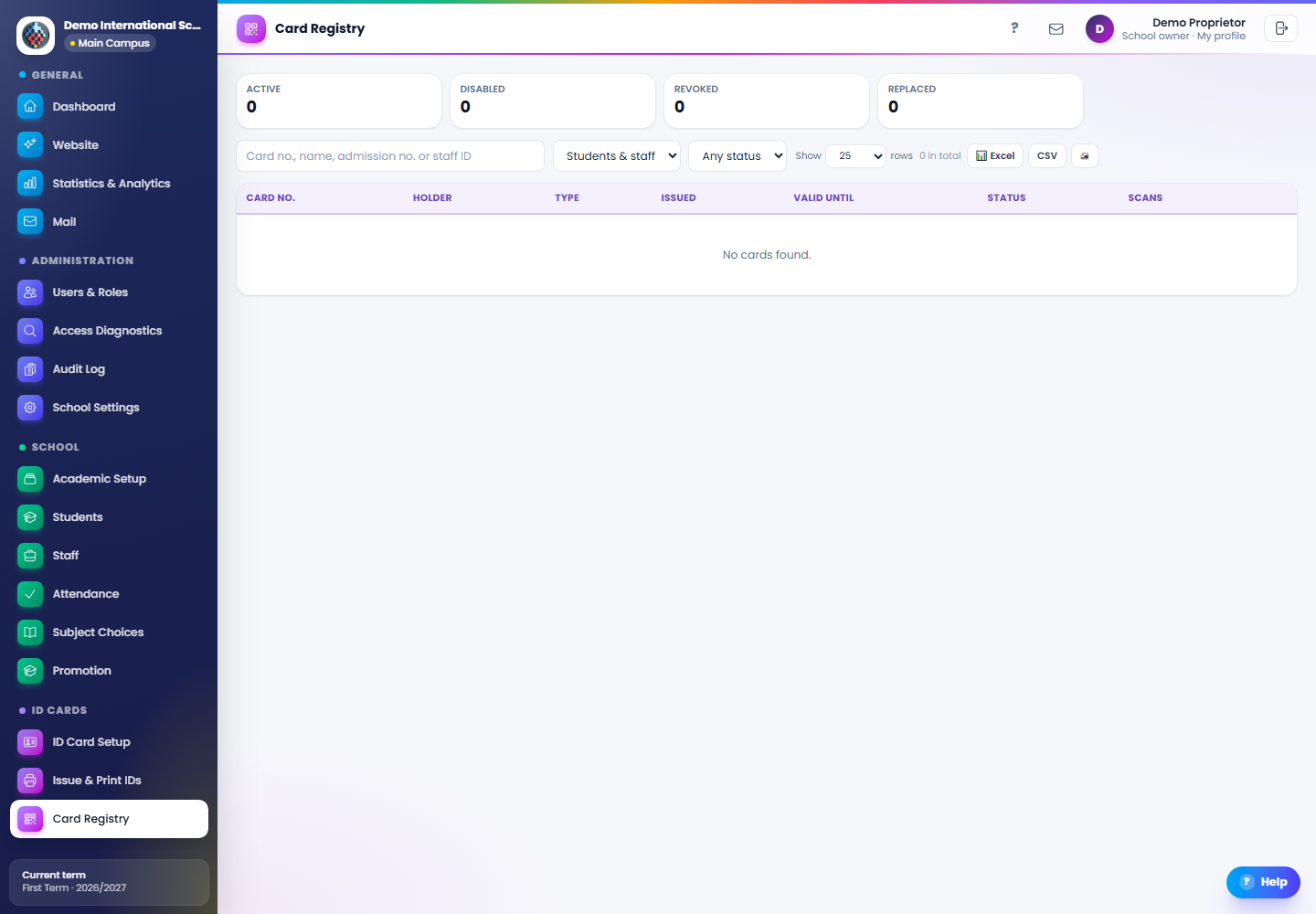 The card registry: a complete history of every card.
Staff cards too
Teachers and non-teaching staff get cards from their staff records, with the same QR check. Visitors to the school can confirm that the person in front of them really works there.
Start with the new intake
A good time to switch is the start of a session: print cards for new students first, then replace the rest class by class.
▶ See ID cards in the live demo · ID card features · Call or WhatsApp 0803 292 9756
See SkulPort in action
A full demo school, open now. No sign-up.